
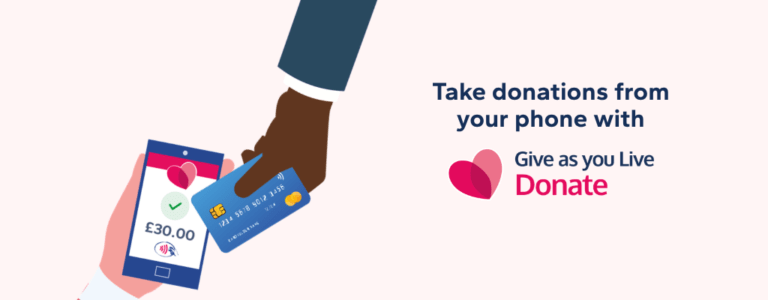
Collect Contactless Donations From Your Phone
Got a Fundraising Page set up? Now you have the chance to take contactless donations on the go too!
Read more
When you make a donation through Give as you Live Donate, you’ll be given the option to add Gift Aid before you complete your donation.
If you’re a UK taxpayer, adding Gift Aid allows the charity you’re supporting to claim an extra 25% from the government, at no extra cost to you. It only takes a moment to add, but it can make a big difference to the charity.
When you tick the Gift Aid box, the charity can claim an extra 25p for every £1 you donate, paid for by the government, not you.
Example:
You can add Gift Aid if all of the following apply:
If your tax circumstances change (for example, you stop paying tax), you should let the charity or donation platform know.
You must have paid at least the same amount of tax as the Gift Aid being claimed on your donations that year.
Example:
This applies to all Gift Aided donations combined, not just a single donation.
You shouldn’t tick the Gift Aid box if:
In short, Gift Aid can only be claimed when the donation is your personal money.
Once you add Gift Aid:
You don’t need to fill out any extra forms or take any further action.
Yes, absolutely. Gift Aid is one of the simplest ways to increase your impact:
For more detailed guidance, you can also view the official government rules on Gift Aid.
Got a Fundraising Page set up? Now you have the chance to take contactless donations on the go too!
Read more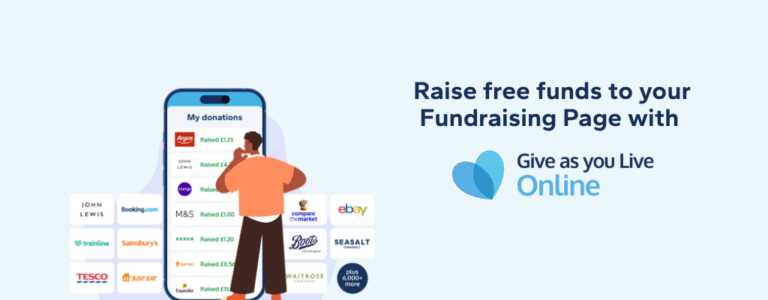
You'd add extra donations to your Fundraising Page for free, right? With Give as you Live Online, you can do just that!
Read more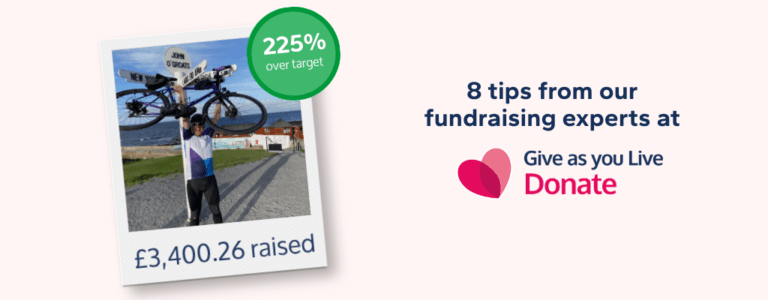
Top tips from our fundraising experts to help you raise more on your Fundraising Page.
Read more
Wondering how you can support your local food bank? Find out how, with Give as you Live.
Read more
Winter may bring colder weather, but it also warms hearts with its spirit of giving. The festive season provides excellent...
Read more
As the leaves change colour and temperatures cool, autumn provides a cosy backdrop for community-focused fundraising activities.
Read more
Summer offers the perfect opportunity to take your fundraising outdoors. With longer days and warmer weather, people are...
Read more
Spring is a time of renewal and growth, making it perfect for launching fresh fundraising initiatives. As the weather improves...
Read more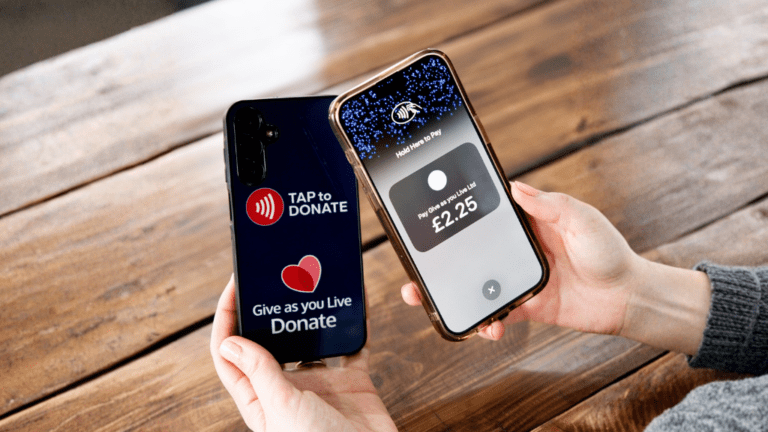
In 2025, fewer than 12% of donations were made in cash in the UK, yet 94% of the cards your potential donors are carrying...
Read more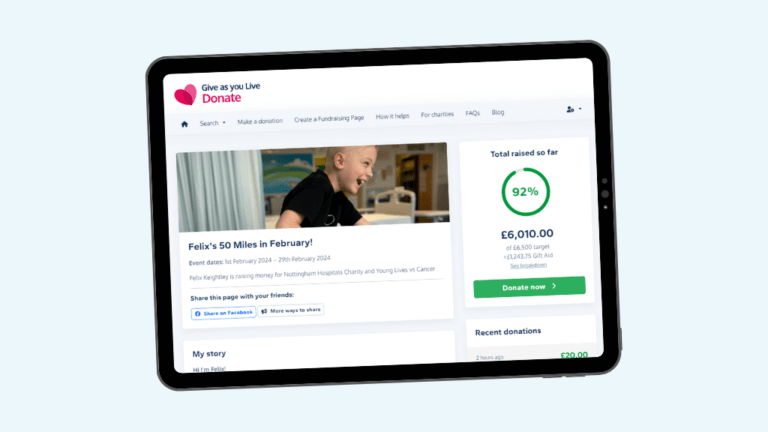
Make safe, secure donations via Give as you Live Donate. Donate to your chosen charity online using ApplePay, Google Pay...
Read moreCreate your Fundraising Page today - just choose a charity, enter a few details and you can be fundraising in minutes.