
How To Raise Free Funds For Your Fundraising Page
You'd add extra donations to your Fundraising Page for free, right? With Give as you Live Online, you can do just that!
Read more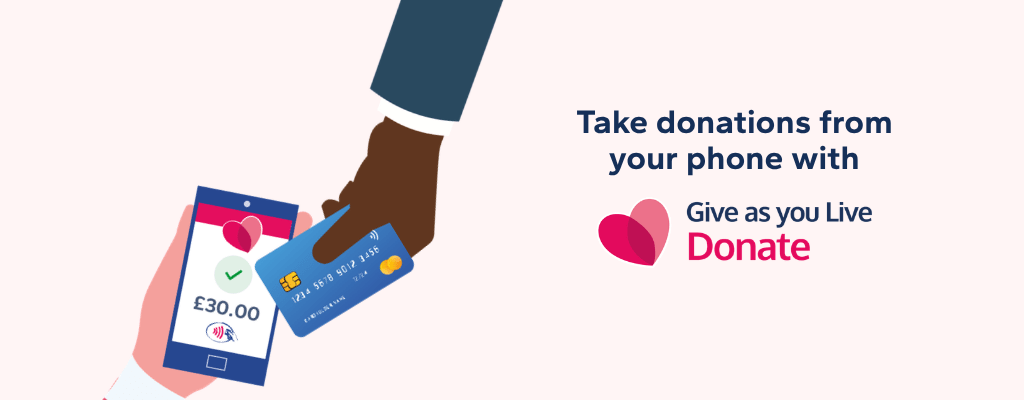
Picture this: someone at your bake sale says 'I'd love to donate, but I haven't got any cash.” You hand them your phone. They tap their card. Done. The donation is on your Fundraising Page before they’ve finished their brownie.
That’s exactly what our free Tap to Donate app makes possible - no card reader, no hardware, no faff.
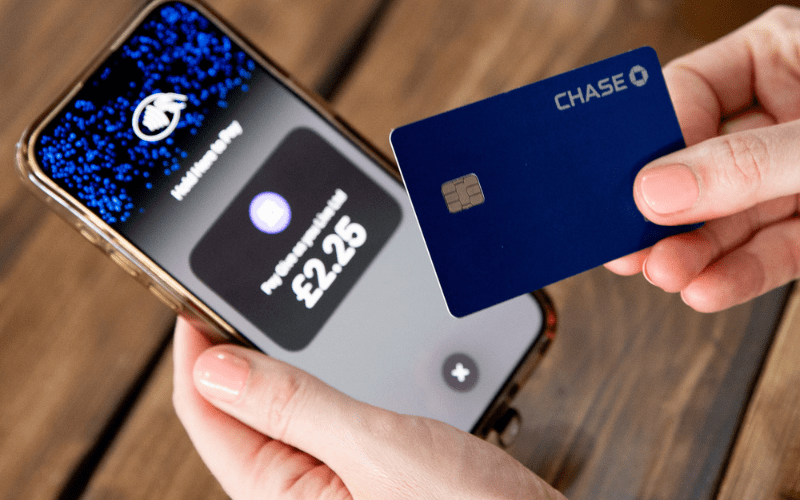
The Tap to Donate app turns your smartphone into a contactless donation terminal. Supporters tap their card, phone or digital wallet against yours, and the donation lands on your Fundraising page instantly.
It works wherever you are - at events, in workplaces, at schools, out in the community. It’s available on iOS and Android, and it takes about two minutes to set up.
Fewer people carry cash these days. If you’re only set up to accept notes and coins, you’re leaving money on the table. Contactless giving removes the friction - no more “I’ll donate to your page later” promises that get forgotten. When it’s easy to give, people give more. It really is that simple.

That’s it. You’re ready to go.

The best way to understand how powerful this is? See how our members are already using it:
Jude held a bake sale for East Anglian Air Ambulance. Rather than passing around a tin, she passed around her phone and raised over £300. See Jude’s page here.
Margaret wanted to raise money for Dementia UK. Her Soup and Pudding fundraiser brought the community together. With the Tap to Donate app ready on her phone, no one had to worry about having the right change. She raised over £1,000. See Margaret’s page here.
Kelly organised a charity quiz night, auction and raffle to support Motor Neurone Disease research. On the night, a tap was all it took to help her raise over £500. See Kelly’s page here.
A soup lunch. A bake sale. A pub quiz. Three very different events, one very easy way to collect donations.
You don’t need to be running a sponsored marathon to make the most of this. The app works just as well for smaller, everyday moments:
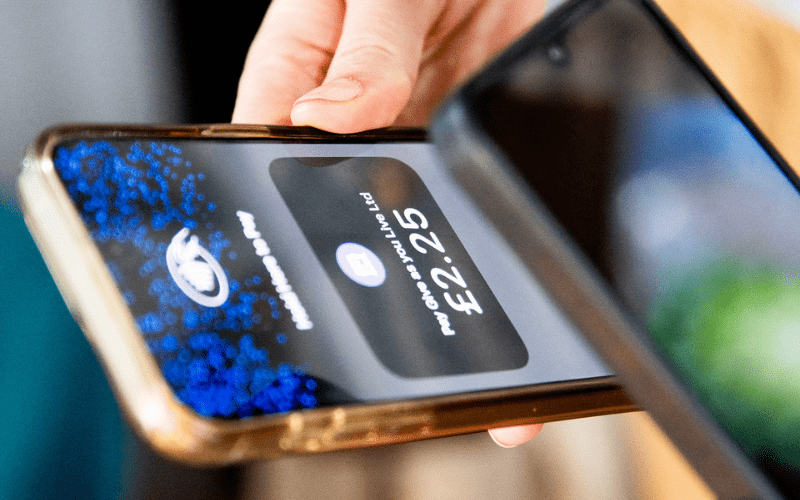
The app uses NFC (Near Field Communication), which is the same technology that lets you tap your own card at a till. It’s built into most modern smartphones already, and it’s what makes the tap-to-donate experience possible. The app is available on iOS and Android.
Not sure if your device is compatible? Get in touch with our team, and we’ll point you in the right direction.
Yes. All payments are processed securely through Give as you Live Donate. Supporters can give using contactless debit or credit cards, Apple Pay or Google Pay, and every donation goes directly to your Fundraising Page. We’re registered with the Fundraising Regulator, so you and your donors can give with complete confidence.

Supporters can also add Gift Aid to their donation when they tap, meaning charities can claim an extra 25p for every £1 given, at no extra cost to the donor.
If you already have a Give as you Live Donate Fundraising Page, you can be up and running in minutes. Download the Tap to Donate app, log in, pick your page, and start collecting.
No hardware. No complicated setup. Just you, your phone, and a lot more donations.
You'd add extra donations to your Fundraising Page for free, right? With Give as you Live Online, you can do just that!
Read more
Top tips from our fundraising experts to help you raise more on your Fundraising Page.
Read more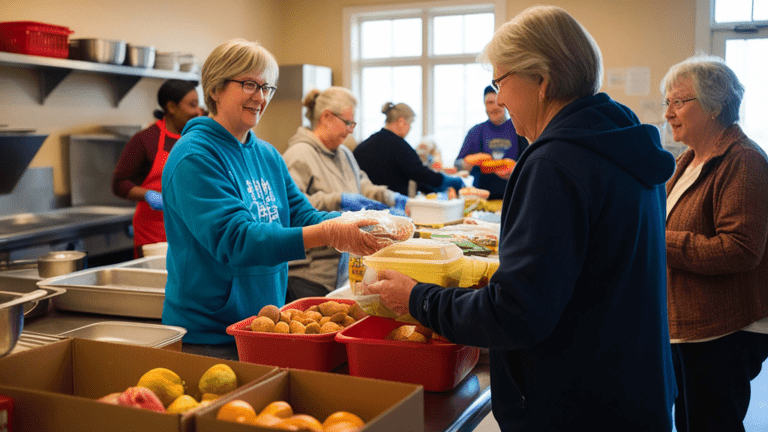
Wondering how you can support your local food bank? Find out how, with Give as you Live.
Read more
If you’ve been hearing about AI and wondering if it could help your charity, you're not alone. While it might sound technical,...
Read more
Winter may bring colder weather, but it also warms hearts with its spirit of giving. The festive season provides excellent...
Read more
As the leaves change colour and temperatures cool, autumn provides a cosy backdrop for community-focused fundraising activities.
Read more
Summer offers the perfect opportunity to take your fundraising outdoors. With longer days and warmer weather, people are...
Read more
Spring is a time of renewal and growth, making it perfect for launching fresh fundraising initiatives. As the weather improves...
Read more
Running a charity means wearing many hats, and one of the most important is maintaining relationships with your donors. Getting...
Read more
For many companies exploring Corporate Social Responsibility (CSR) for the first time, the benefits can be huge - boosted...
Read moreCreate your Fundraising Page today - just choose a charity, enter a few details and you can be fundraising in minutes.